
Team Communication Software for
Connected Workplace Collaboration
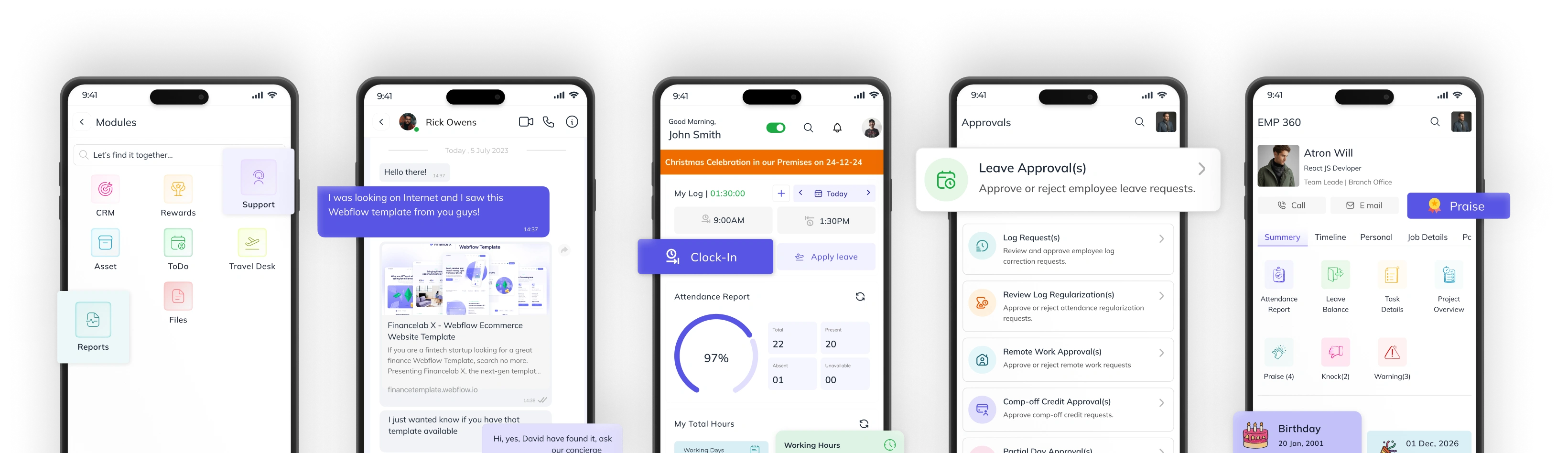
Send messages, share updates, and collaborate in real time — all within the same system where work happens. Keep conversations aligned with tasks, projects, and execution without switching tools.
Adopted by 200+ India’s Best Startups & Global Enterprises












Work-Centric Communication for
Teams and Projects
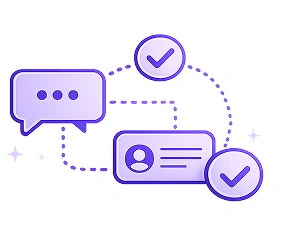 This system connects messaging directly with tasks, projects, and team workflows.
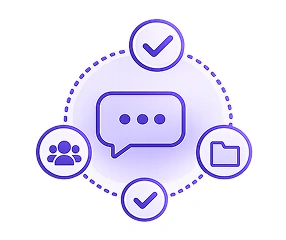 Every conversation happens in context — not in isolation.
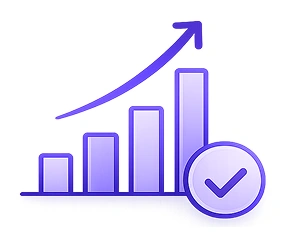 So communication doesn’t just happen — it drives execution forward.
Integrated Team Communication and Collaboration Platform
Employee Messaging
Send instant messages to individuals or teams in real time. Ensures fast and direct communication.
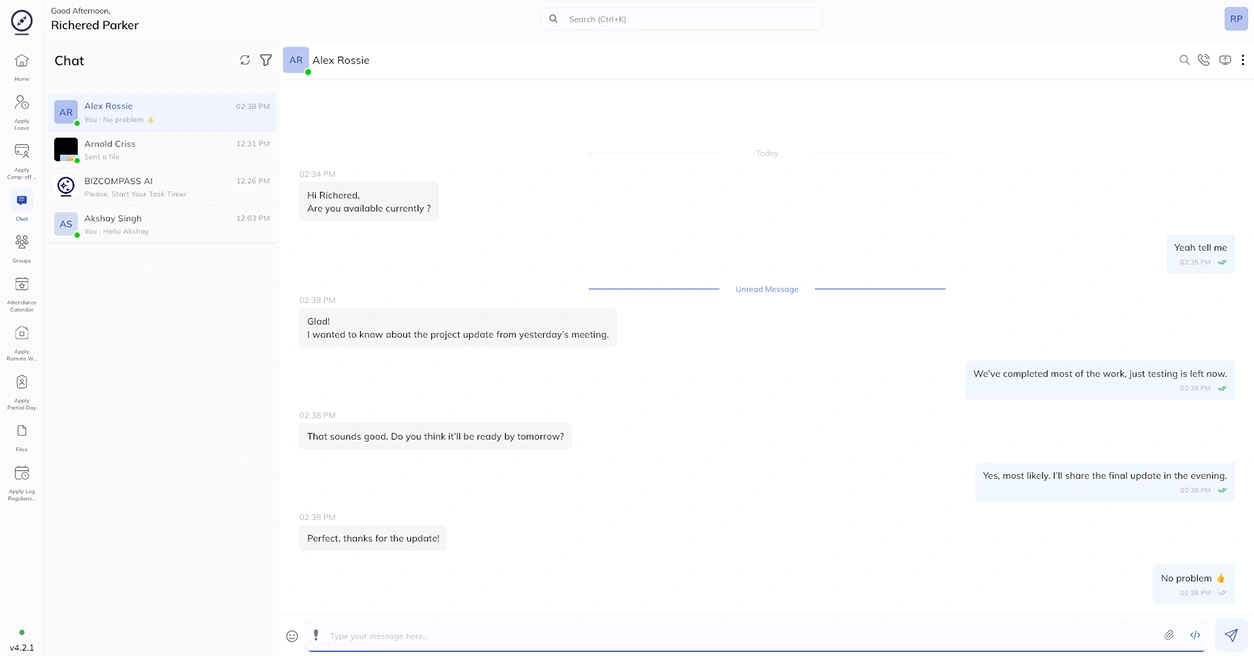
Internal Communication Channels
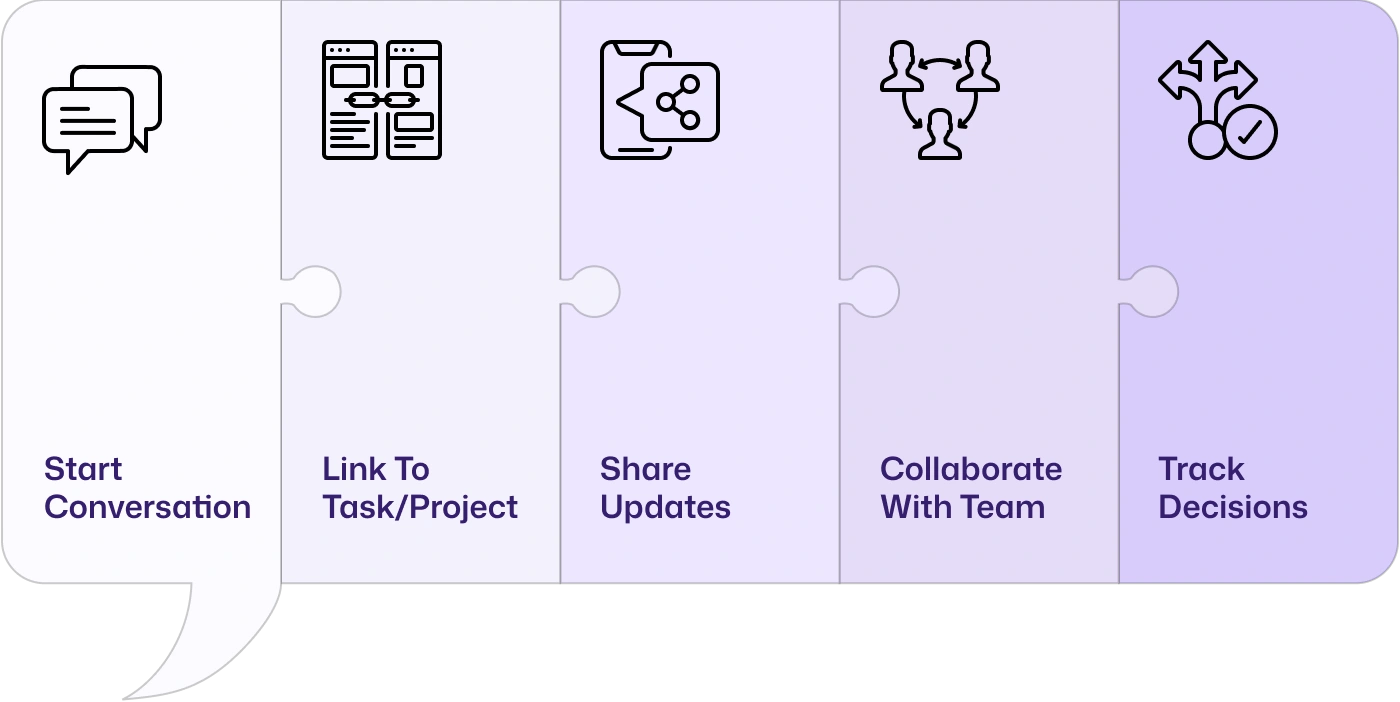
2Task & Project Linked Conversations
3Team Collaboration
4How Communication Stays Connected to Workflows and Tasks
Every message stays tied to actual work. No lost context. No scattered discussions. No switching between tools.
See How Teams Communicate &
Collaborate in One Workspace
Communication workspaces for direct messaging, group discussions, announcements, workplace updates, and cross-functional collaboration.
Project-Based
Conversations
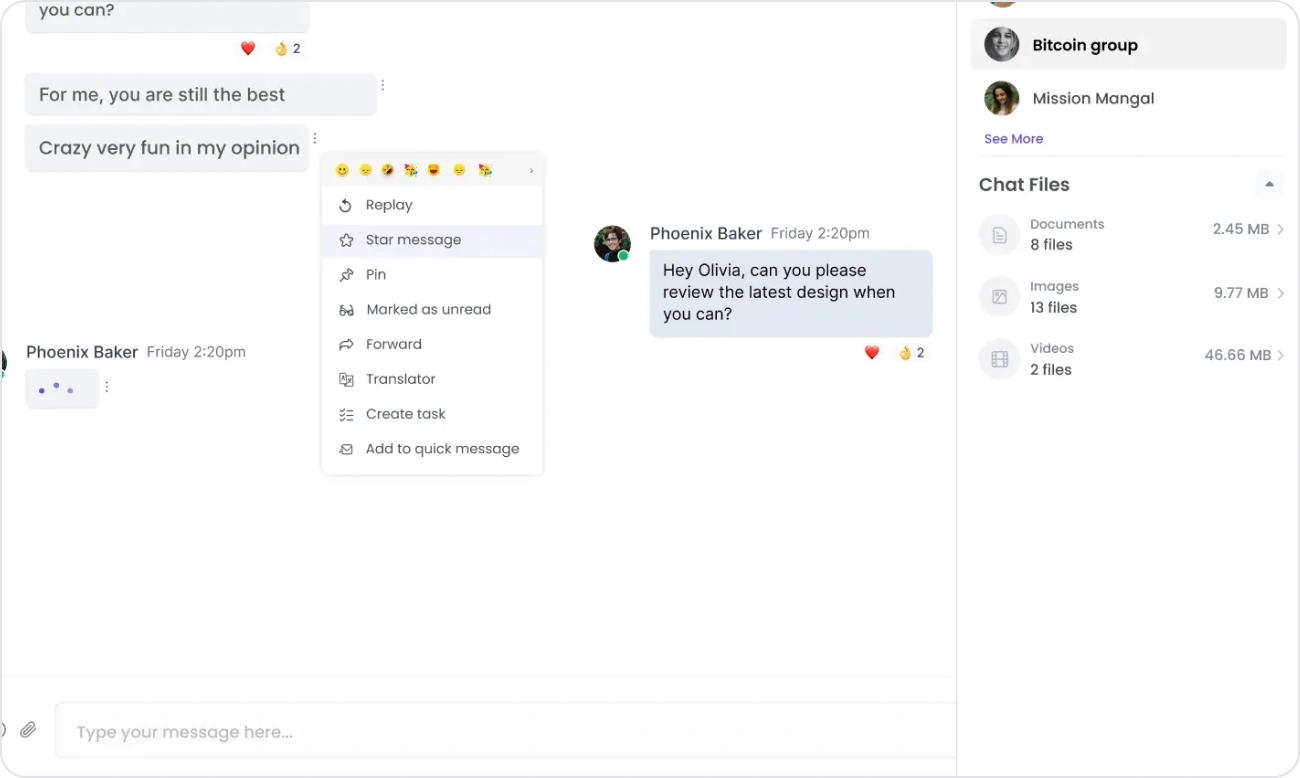
Keep project discussions connected to the work that matters. View project activities, task updates, meeting schedules, shared documents, calendars, and team conversations from a unified collaboration workspace, making it easier to track progress without switching between different tools.
Screen Sharing &
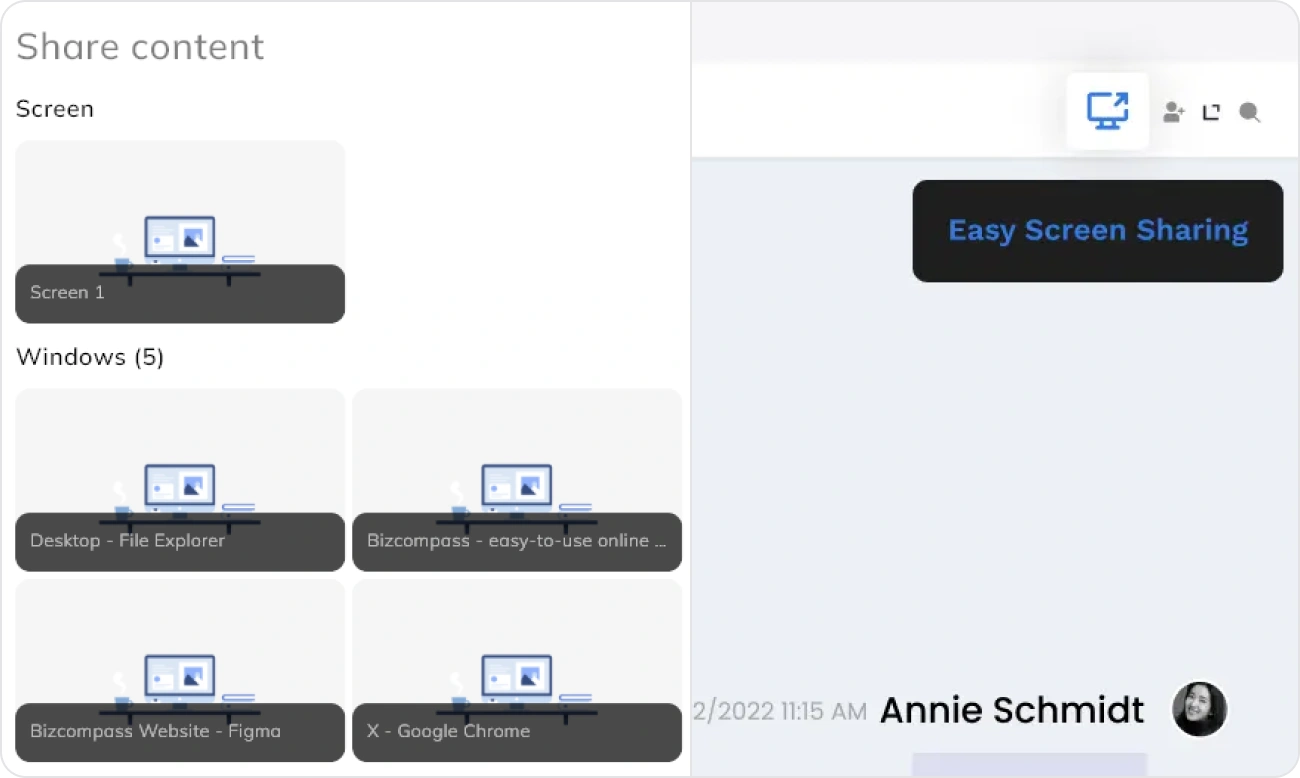
Remote Collaboration
Share your screen during discussions to review documents, demonstrate workflows, troubleshoot issues, or guide team members in real time. Built-in screen sharing helps distributed teams collaborate more effectively without relying on external meeting applications for everyday assistance.
Smart Mentions &
Conversation Tagging
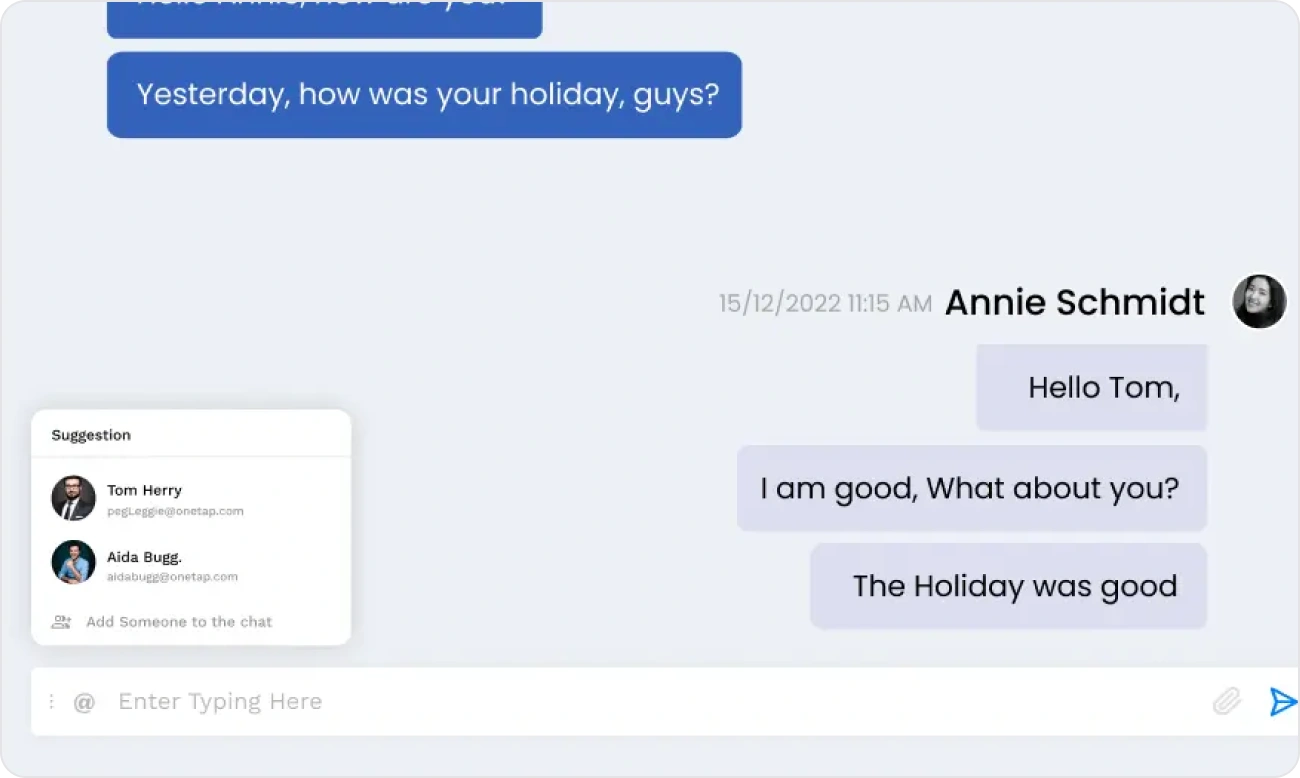
Highlight important conversations using @mentions, message tags, and organized discussion threads to ensure updates reach the right people. Quickly locate conversations, group related discussions, and maintain context across ongoing projects and team communications.
Why Work Communication Should Stay Connected to Operations
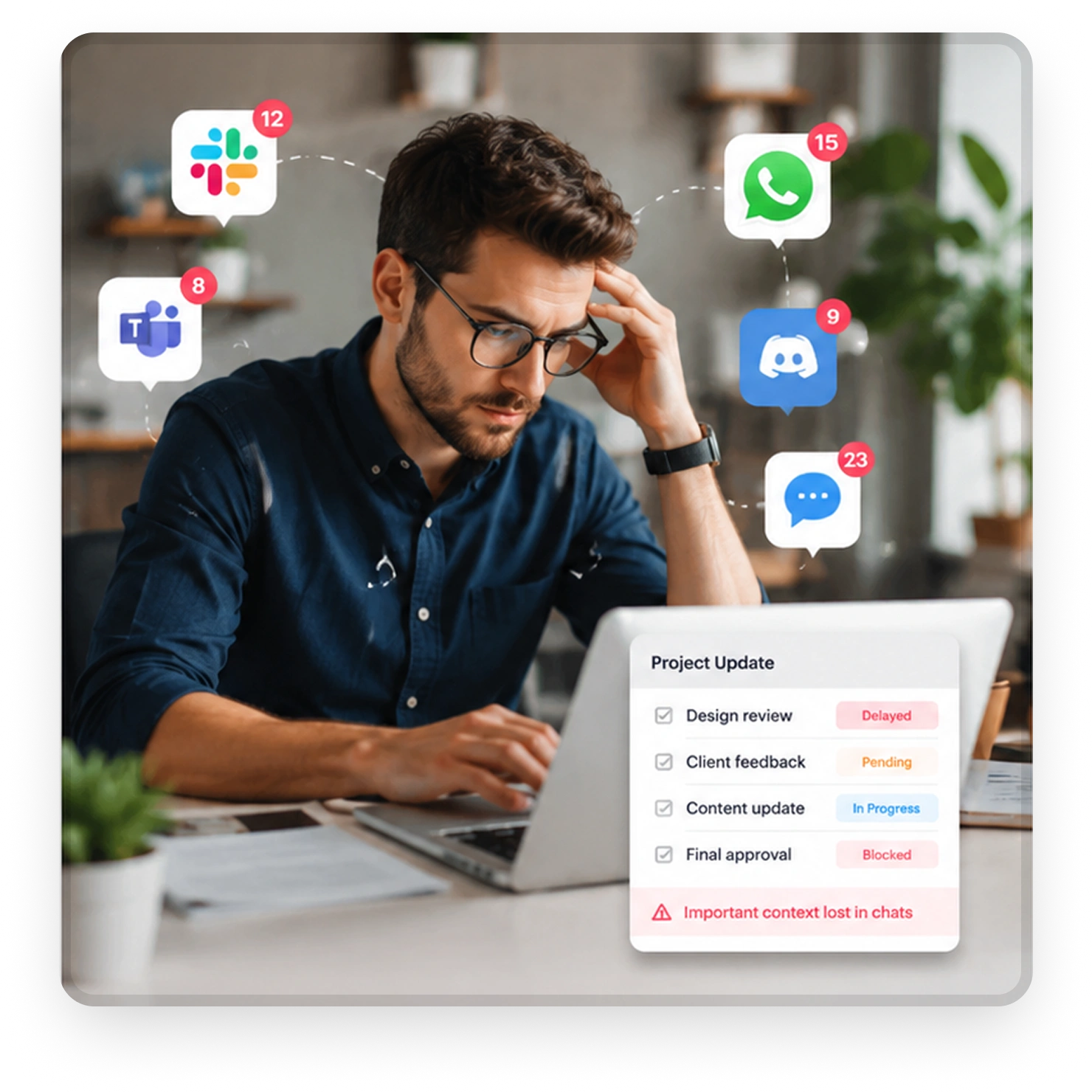
When team discussions happen across scattered chat apps, context gets lost, updates become harder to track, and work execution slows across projects.
- Teams rely on multiple chat apps for discussions
- Conversations get disconnected from tasks & projects
- Important updates are lost in message threads
- Context switching reduces productivity
- Work decisions are not properly documented
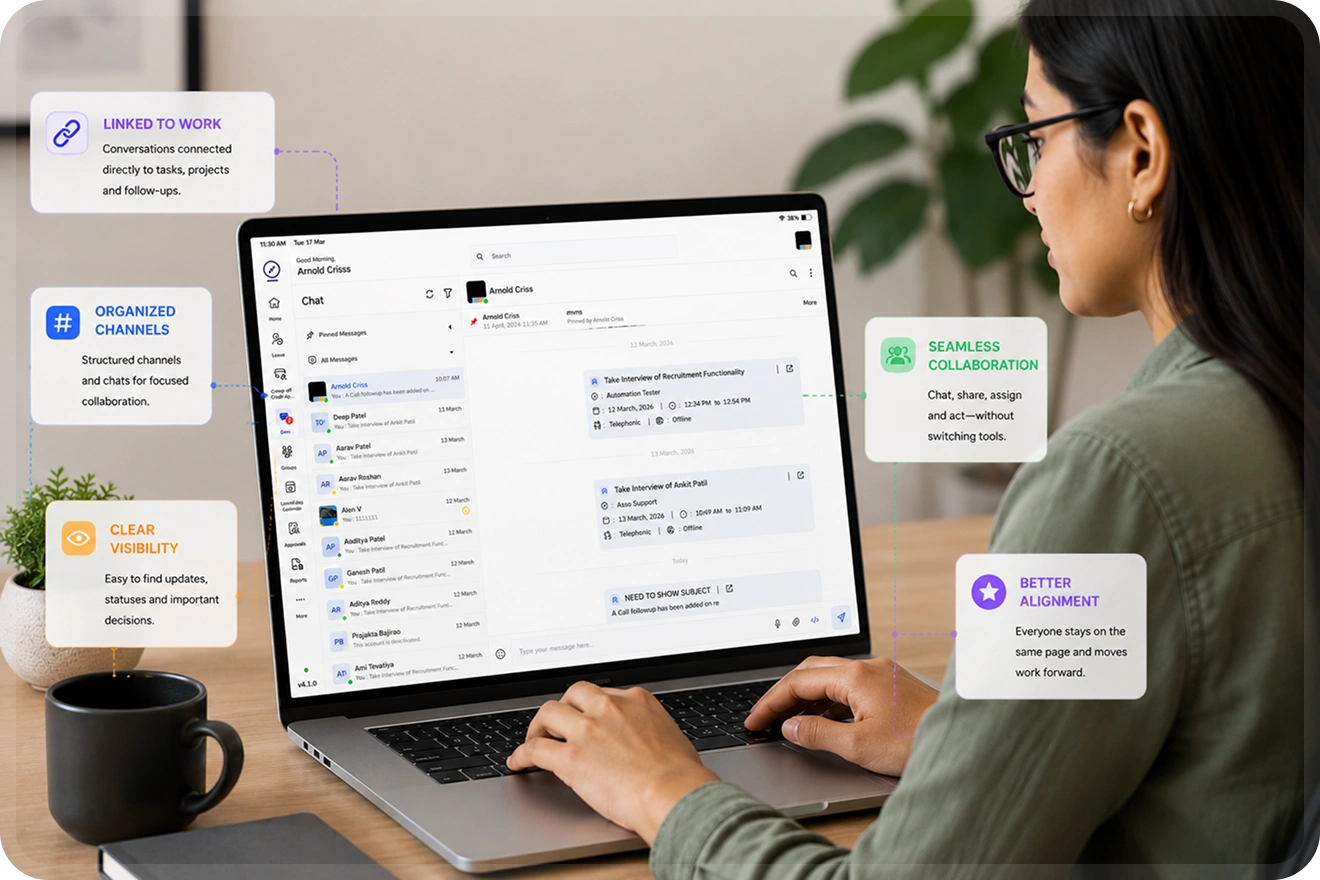
Clear, Contextual & Actionable Communication
Effective team communication goes beyond messaging. It requires context, connection to work, and clear visibility into decisions and discussions. When communication stays connected to work, teams collaborate faster and execution becomes more aligned.
Connected Across Communication, Tasks and Projects
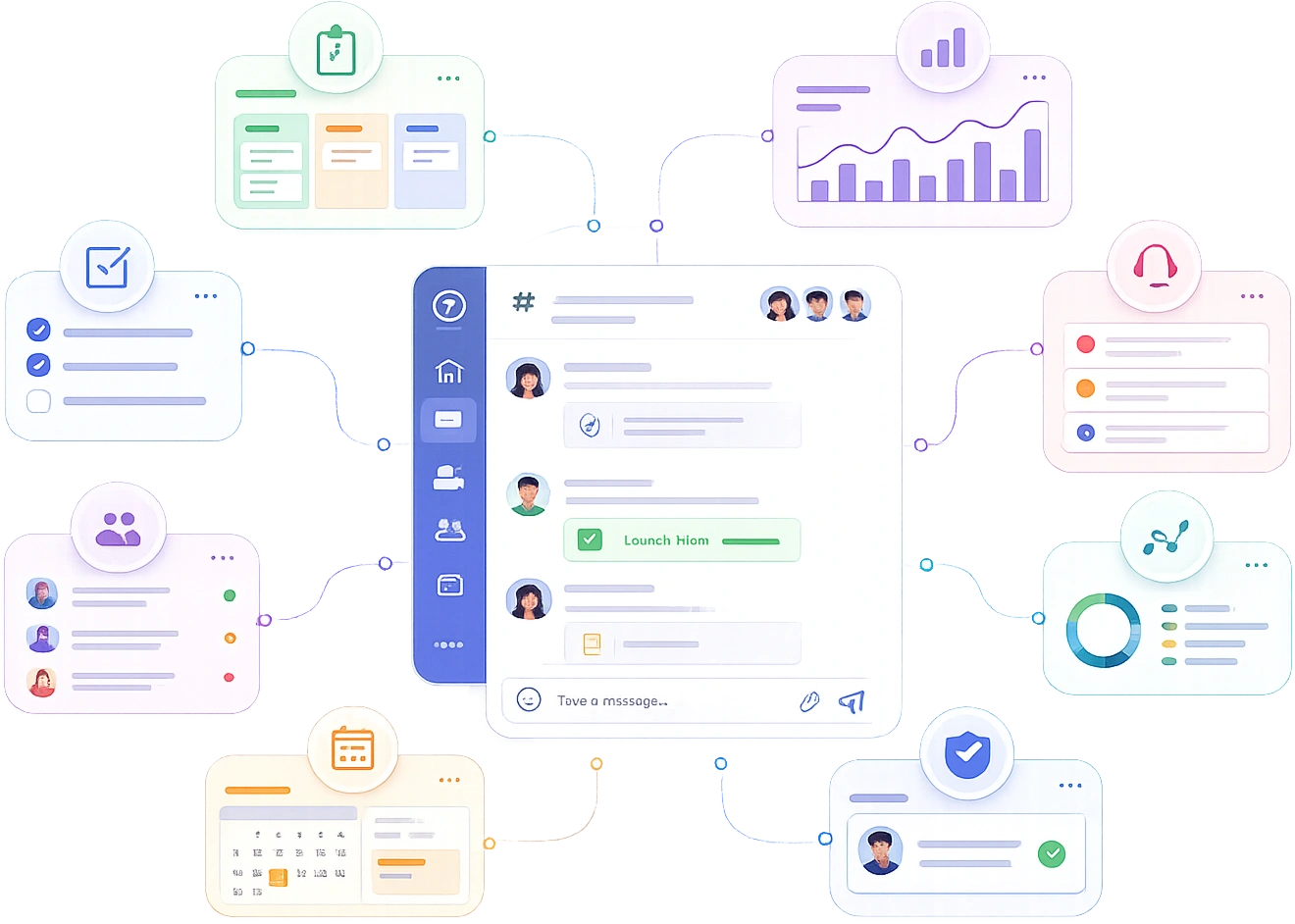
- Works alongside project management, task execution, support systems, and activity tracking.
- Everything stays connected from discussion to delivery.
- Ensures communication supports execution across every part of work.
Benefits of Connected Team Communication
Faster
Team Collaboration
Real-time coordination
Context
Context Visibility
Every discussion linked
Missed
Updates & Decisions
Central communication
Less
Tool Switching
Unified workflow experience
Better
Cross-Team Alignment
Teams stay synchronized
Frequently Asked Questions
Everything you need to know about secure team communication, collaboration features, and how Employee Self Service keeps work connected.
It provides an instant, secure way for individuals to chat without using external apps, keeping all professional conversations private and accessible within the company ecosystem.